AWS Workshop Portal
This workshop creates an AWS account and a Cloud9 environment. You will need the Participant Hash provided upon entry, and your email address to track your unique session.
- Connect to the portal by clicking the button or browsing to https://dashboard.eventengine.run/. The following screen shows up.
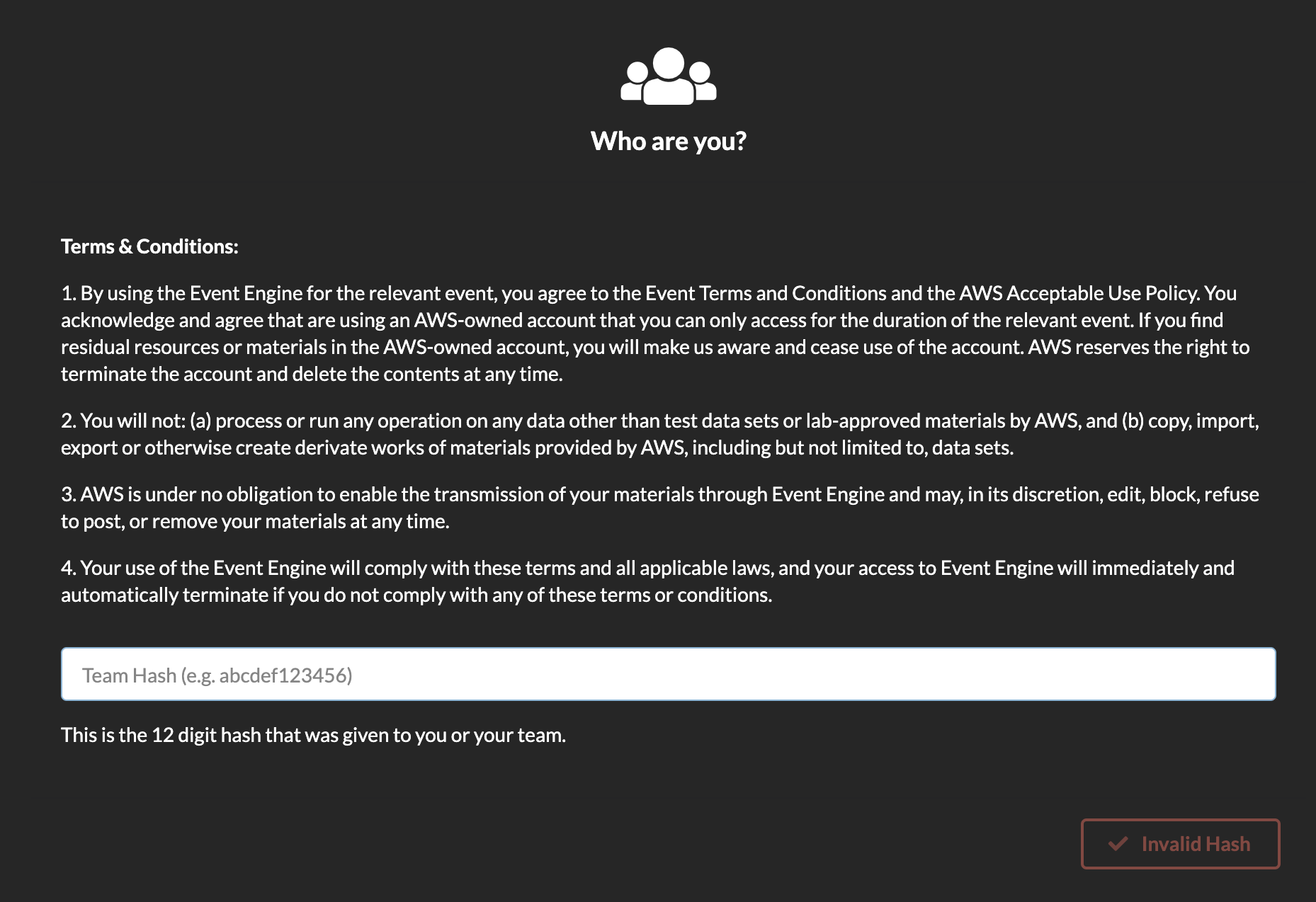
- Enter the provided hash in the text box. The button on the bottom right corner changes to Accept Terms & Login. Click on that button to continue.

- Click on AWS Console on dashboard.
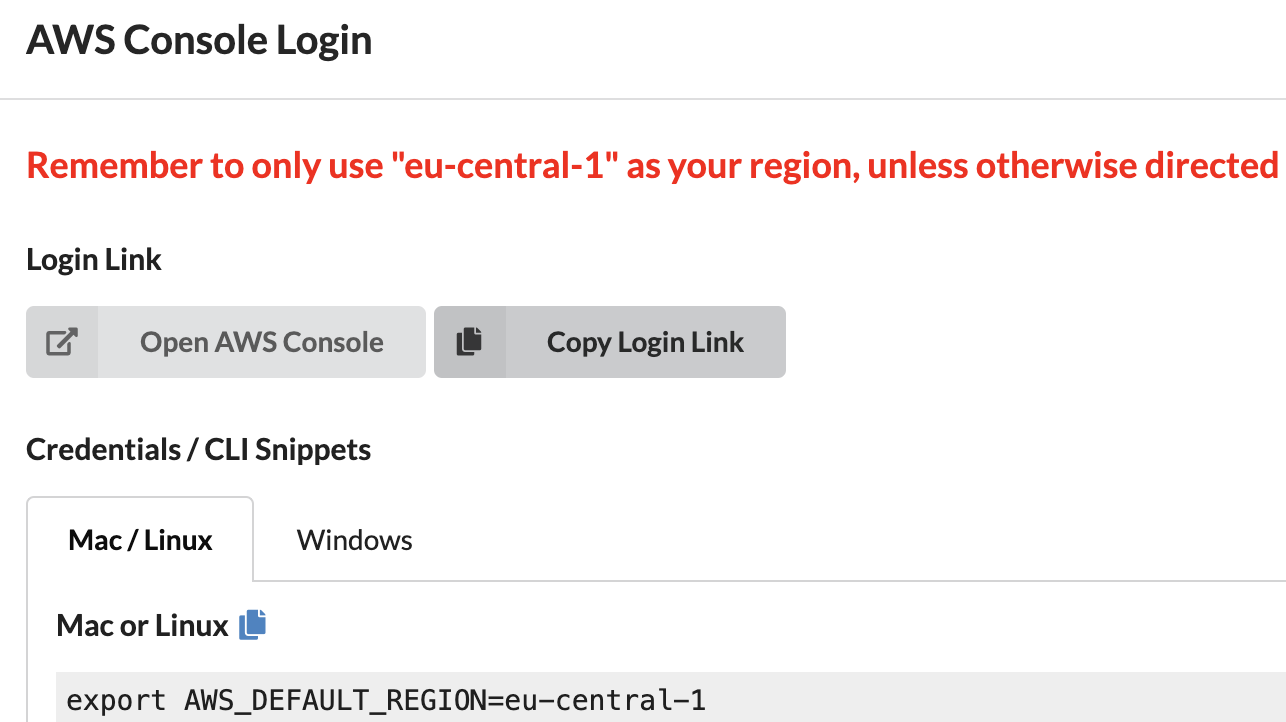
- Accept the defaults and make sure the region is
eu-central-1. Click on Open AWS Console. This will open AWS Console in a new browser tab.